Web & Mobile
UX/UI Design
KONE Car Designer
A mobile tool for empowering elevator sales.
Scroll down
to see more
"As a user, I want an easy and elegant way to design my elevator and get the specifications for it"
"As a user, I want an easy and elegant way to design my elevator and get the specifications for it"
Overview
The Challenge
The existing app was a powerful but complex design tool. Many users struggled with unclear flows, inconsistent UI elements, and an overall experience that made simple tasks feel unnecessarily complicated. Actions such as customizing elevator designs, exporting visual materials, or navigating the 3D viewer were often slower and more confusing than they needed to be. The challenge was to modernize the visual language and streamline the user experience while respecting the tool’s technical constraints and preserving familiar functionalities for existing users.
Client: KONE
Timeline: 6 months
Role: Senior UX/UI Designer
Tools: Figma
Platform: Web and Mobile

Design process
Process
Research and Discovery
I began the project by conducting a full UX audit of both the mobile and web versions of the app. This helped uncover usability pain points that were reducing productivity and increasing user frustration. I spent time analyzing how customers moved through the design process, noting points where decisions became unclear or navigation felt unintuitive. I also mapped the existing user flows in detail, which revealed redundancies, friction points, and opportunities to simplify the experience. This research informed the key areas that needed improvement and guided the direction of the redesign.
1
Research and Discovery
I began the project by conducting a full UX audit of both the mobile and web versions of the app. This helped uncover usability pain points that were reducing productivity and increasing user frustration. I spent time analyzing how customers moved through the design process, noting points where decisions became unclear or navigation felt unintuitive. I also mapped the existing user flows in detail, which revealed redundancies, friction points, and opportunities to simplify the experience. This research informed the key areas that needed improvement and guided the direction of the redesign.
1
Research and Discovery
I began the project by conducting a full UX audit of both the mobile and web versions of the app. This helped uncover usability pain points that were reducing productivity and increasing user frustration. I spent time analyzing how customers moved through the design process, noting points where decisions became unclear or navigation felt unintuitive. I also mapped the existing user flows in detail, which revealed redundancies, friction points, and opportunities to simplify the experience. This research informed the key areas that needed improvement and guided the direction of the redesign.
1
Design
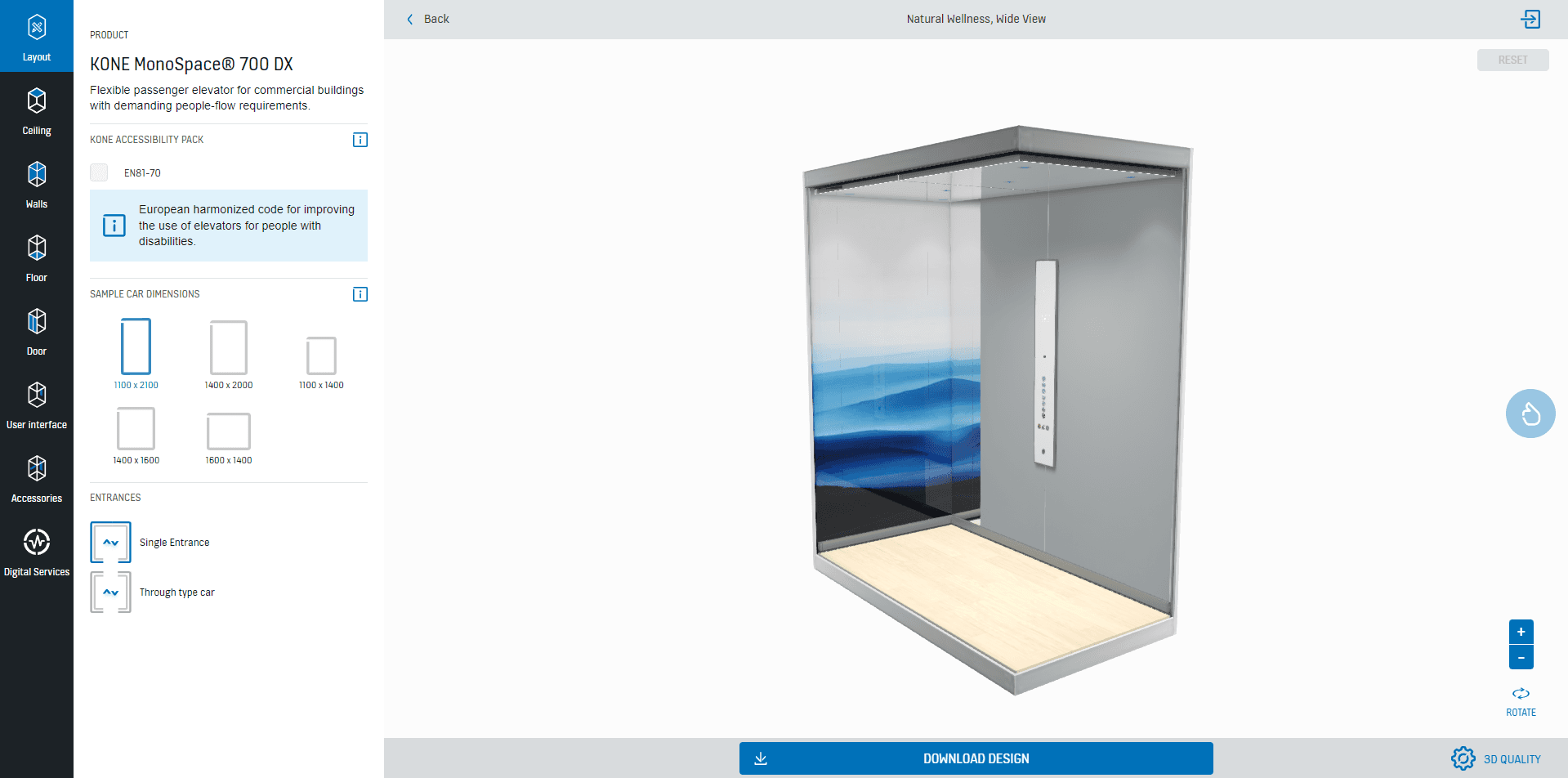
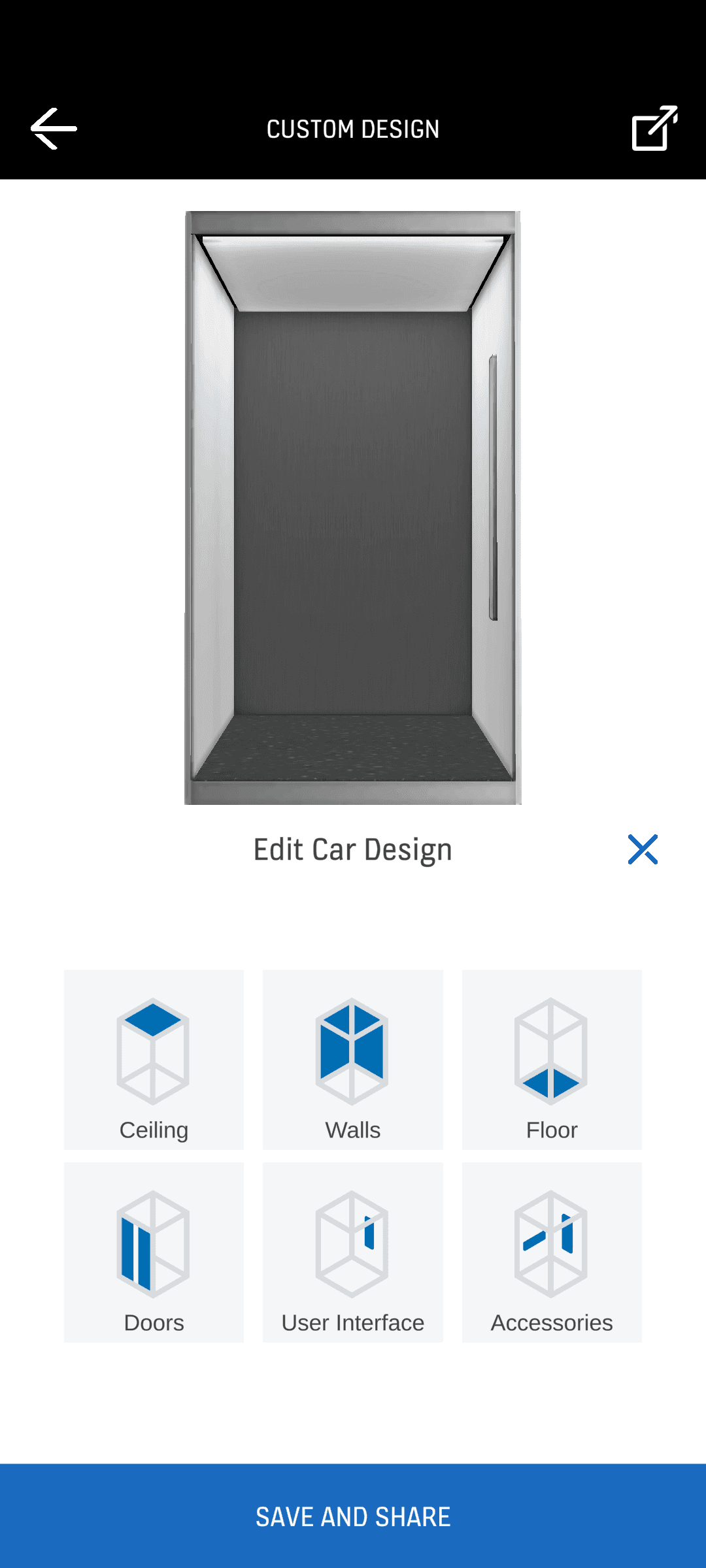
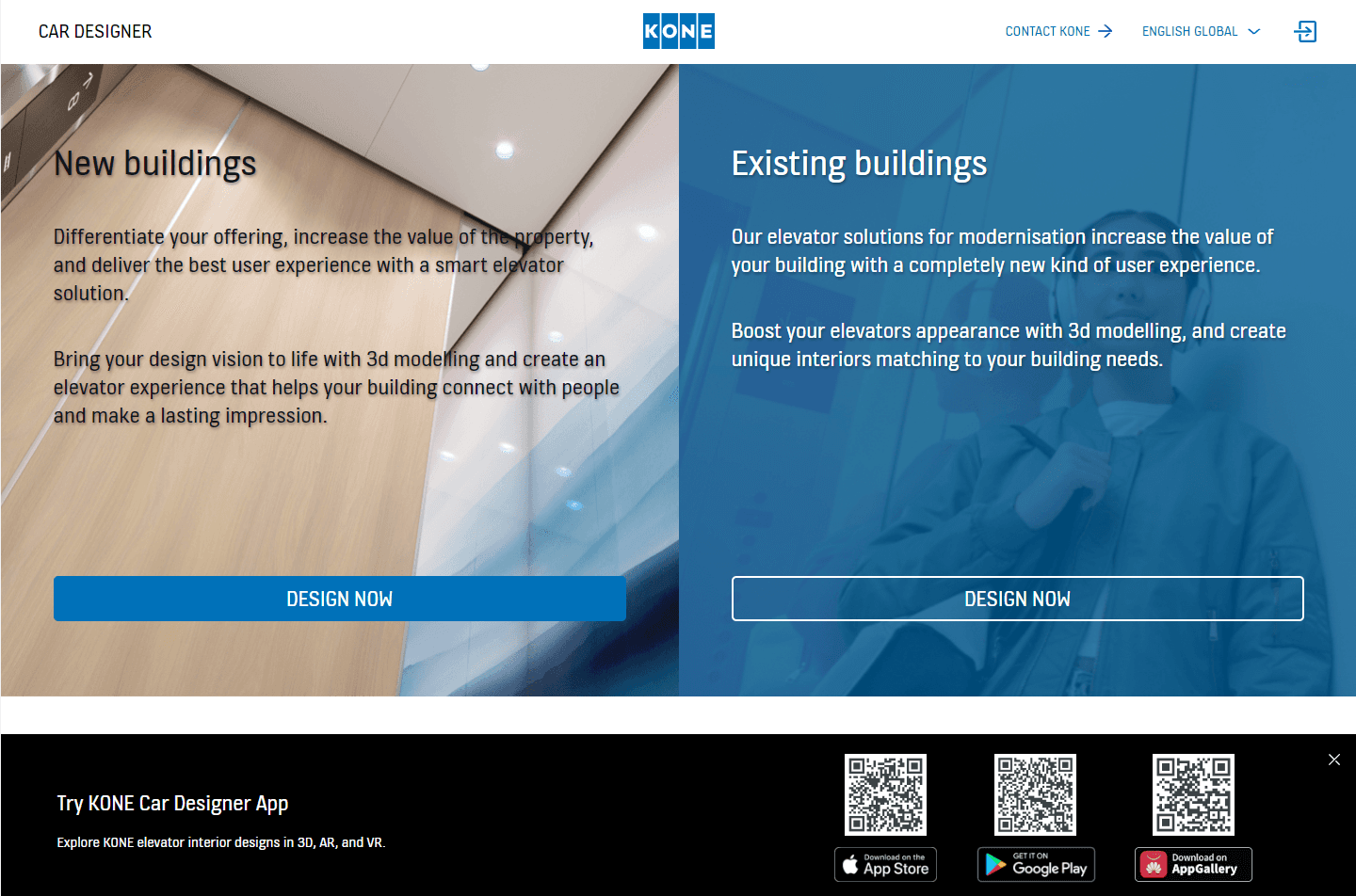
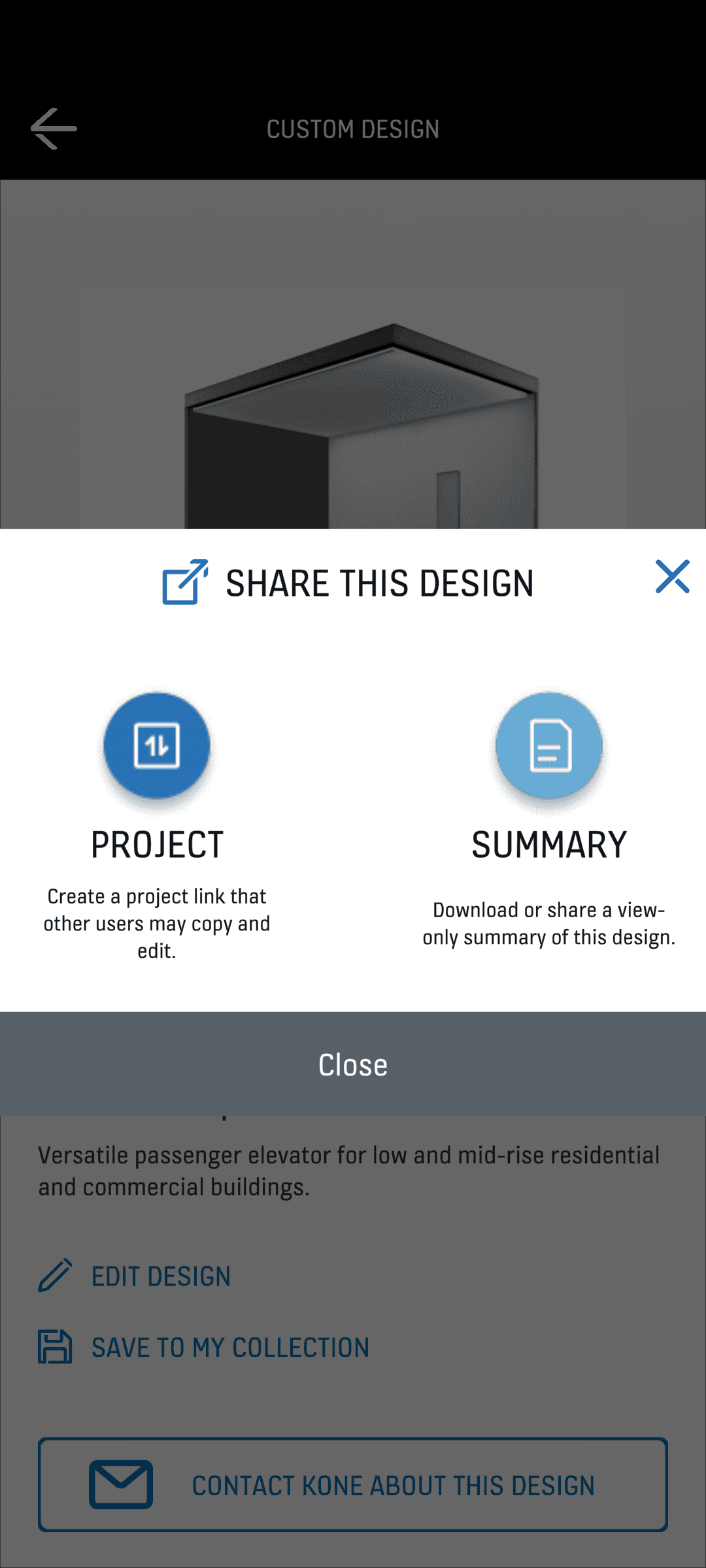
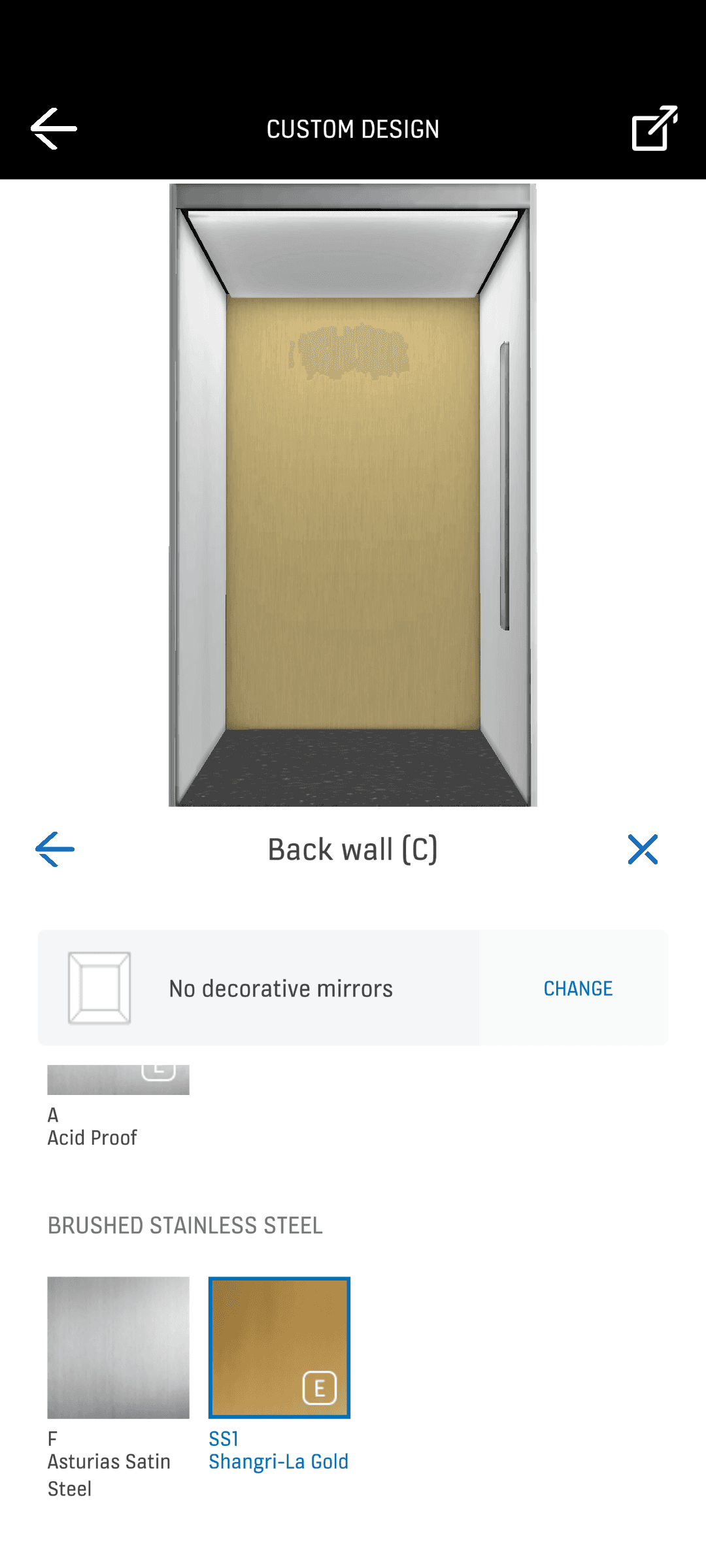
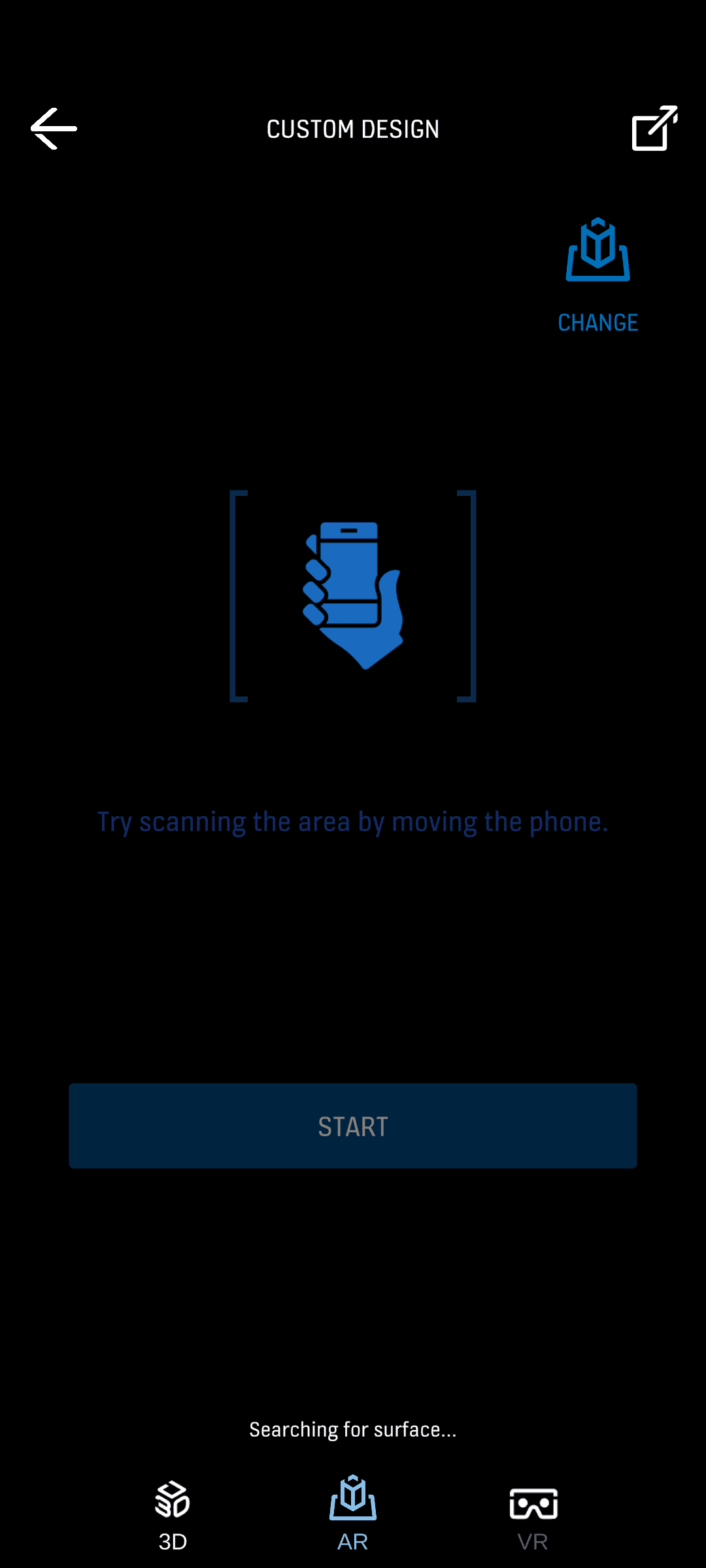
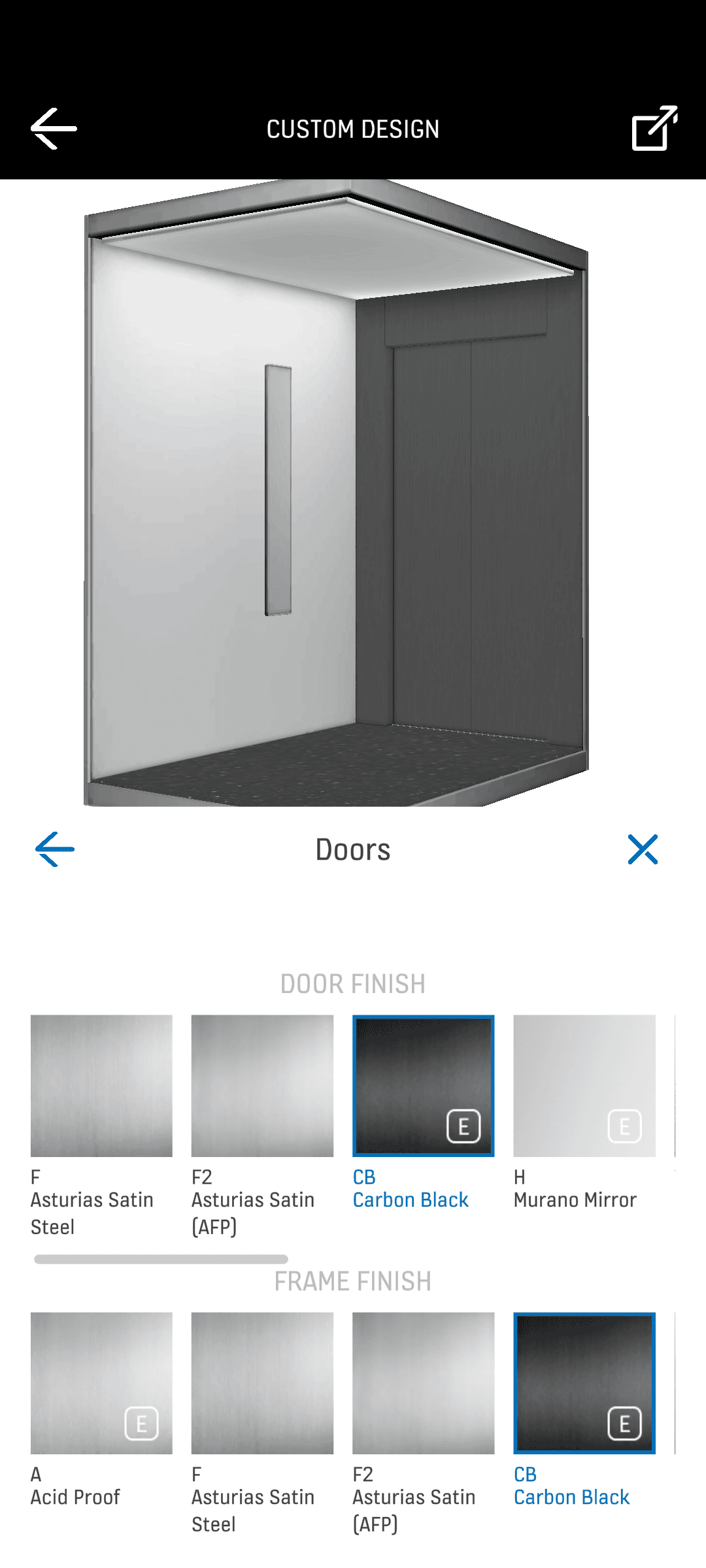
Design System Implementation A major part of the work involved updating the app to KONE's award winning design system. I refined key elements including the color palette, typography, spacing, and component structure to create a more modern and consistent look. I also redesigned interaction states to improve clarity and ensure the interface communicated system feedback more effectively, especially in areas involving complex tool behaviors. Interaction Improvements Alongside the visual refresh, I reworked the app’s most important user flows to eliminate friction. This meant simplifying how users moved through multi-step customization processes and introducing new interaction patterns that made the experience faster and easier to understand. The goal throughout was to reduce cognitive load and help users reach their goals more efficiently. Collaboration Throughout the project I collaborated closely with 3D developers, 2D developers, QA testers, and project managers. This ensured the designs aligned with technical realities and implementation timelines. Early discussions with developers helped identify constraints and opportunities, while QA validation ensured that newly designed components behaved correctly across the app. The collaboration created a cohesive experience that worked well visually, interactively, and technically.
2
Design
Design System Implementation A major part of the work involved updating the app to KONE's award winning design system. I refined key elements including the color palette, typography, spacing, and component structure to create a more modern and consistent look. I also redesigned interaction states to improve clarity and ensure the interface communicated system feedback more effectively, especially in areas involving complex tool behaviors. Interaction Improvements Alongside the visual refresh, I reworked the app’s most important user flows to eliminate friction. This meant simplifying how users moved through multi-step customization processes and introducing new interaction patterns that made the experience faster and easier to understand. The goal throughout was to reduce cognitive load and help users reach their goals more efficiently. Collaboration Throughout the project I collaborated closely with 3D developers, 2D developers, QA testers, and project managers. This ensured the designs aligned with technical realities and implementation timelines. Early discussions with developers helped identify constraints and opportunities, while QA validation ensured that newly designed components behaved correctly across the app. The collaboration created a cohesive experience that worked well visually, interactively, and technically.
2
Design
Design System Implementation A major part of the work involved updating the app to KONE's award winning design system. I refined key elements including the color palette, typography, spacing, and component structure to create a more modern and consistent look. I also redesigned interaction states to improve clarity and ensure the interface communicated system feedback more effectively, especially in areas involving complex tool behaviors. Interaction Improvements Alongside the visual refresh, I reworked the app’s most important user flows to eliminate friction. This meant simplifying how users moved through multi-step customization processes and introducing new interaction patterns that made the experience faster and easier to understand. The goal throughout was to reduce cognitive load and help users reach their goals more efficiently. Collaboration Throughout the project I collaborated closely with 3D developers, 2D developers, QA testers, and project managers. This ensured the designs aligned with technical realities and implementation timelines. Early discussions with developers helped identify constraints and opportunities, while QA validation ensured that newly designed components behaved correctly across the app. The collaboration created a cohesive experience that worked well visually, interactively, and technically.
2
Results and Impact
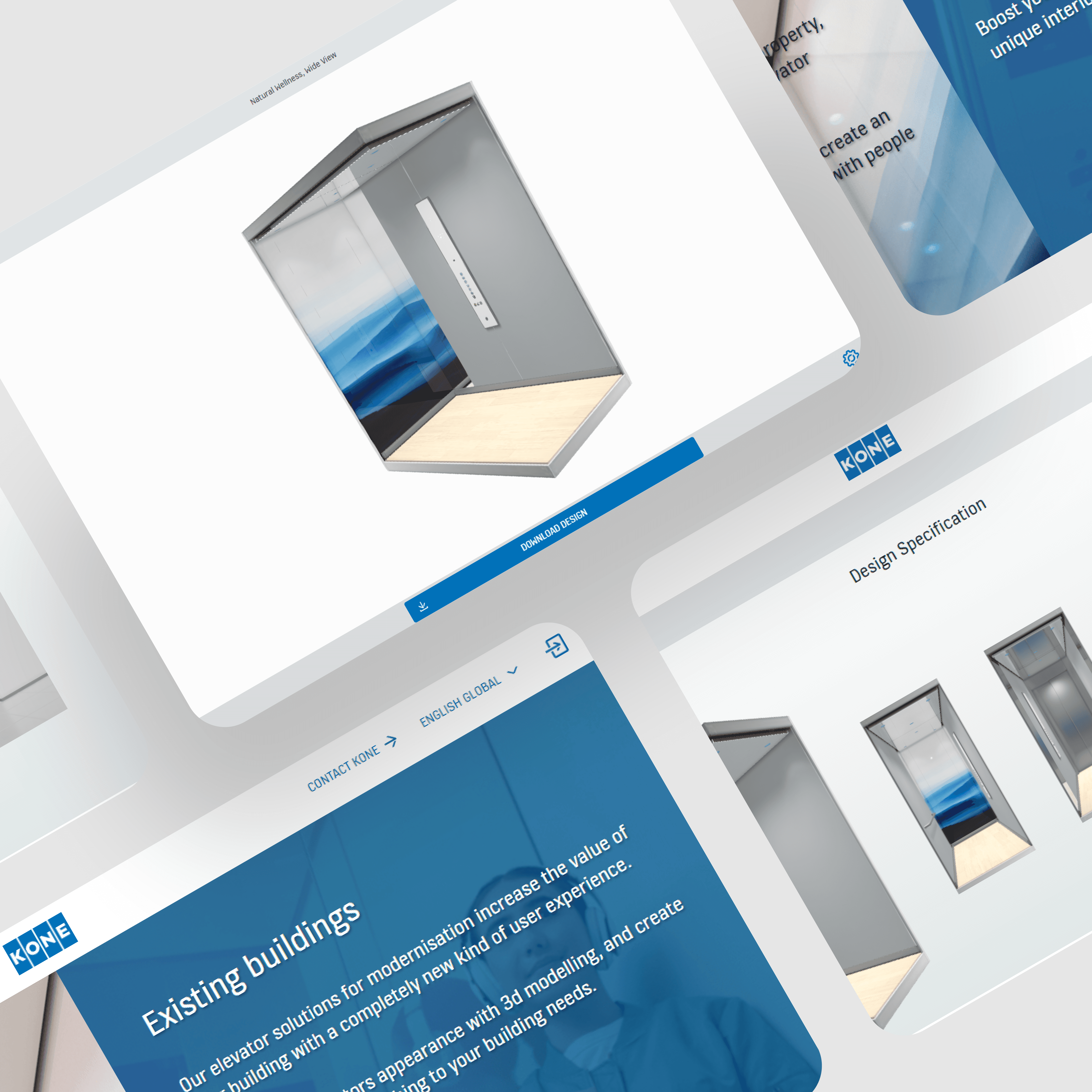
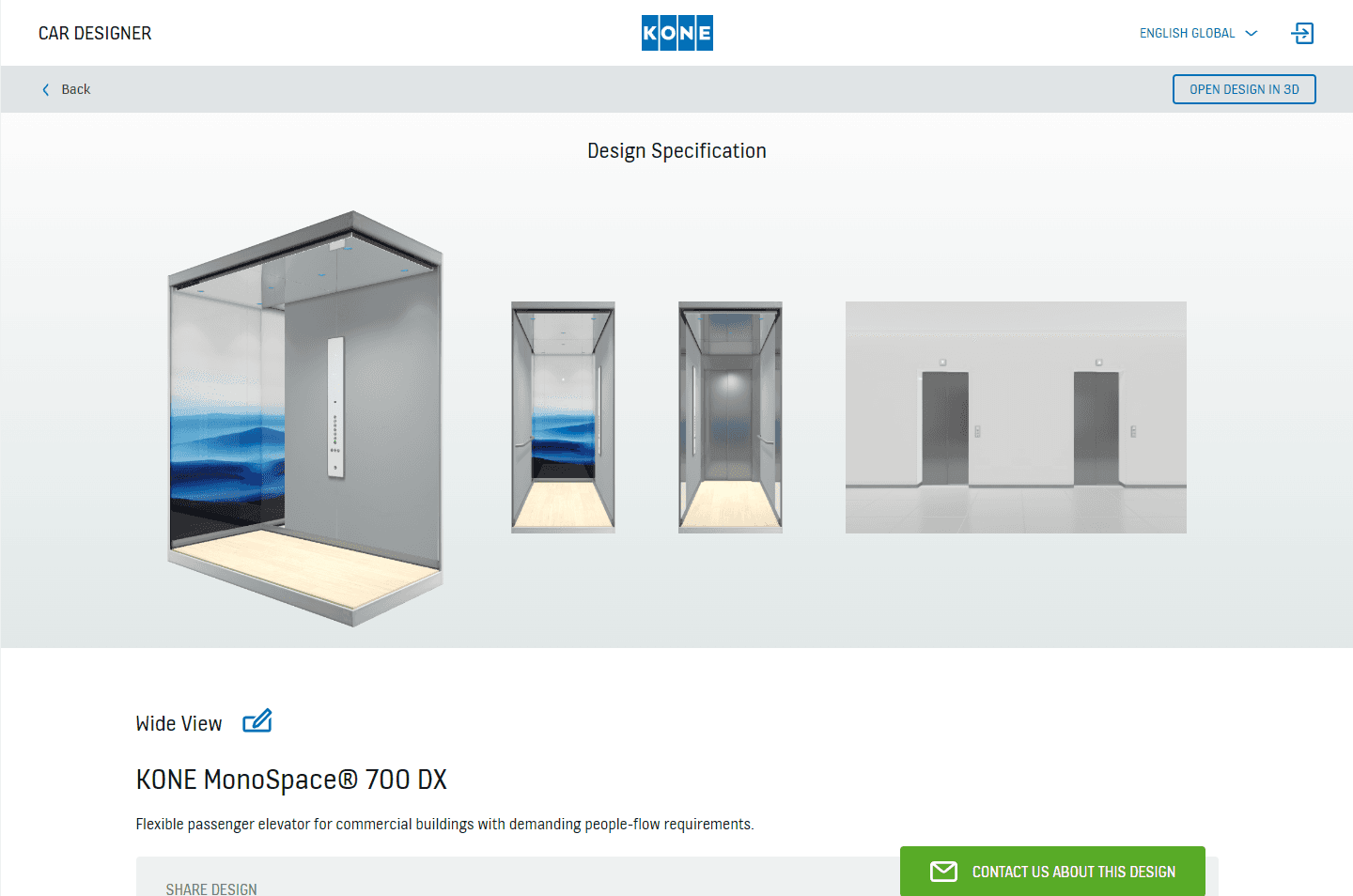
The finalized design introduced a smoother, more modern, and more intuitive user experience across both web and mobile. Key workflows such as customization, 3D visualization, and exporting became easier and faster to complete. The updated design system created a cohesive and polished interface that aligned with KONE’s visual identity and made the app feel more professional and accessible.
3
Results and Impact
The finalized design introduced a smoother, more modern, and more intuitive user experience across both web and mobile. Key workflows such as customization, 3D visualization, and exporting became easier and faster to complete. The updated design system created a cohesive and polished interface that aligned with KONE’s visual identity and made the app feel more professional and accessible.
3
Results and Impact
The finalized design introduced a smoother, more modern, and more intuitive user experience across both web and mobile. Key workflows such as customization, 3D visualization, and exporting became easier and faster to complete. The updated design system created a cohesive and polished interface that aligned with KONE’s visual identity and made the app feel more professional and accessible.
3